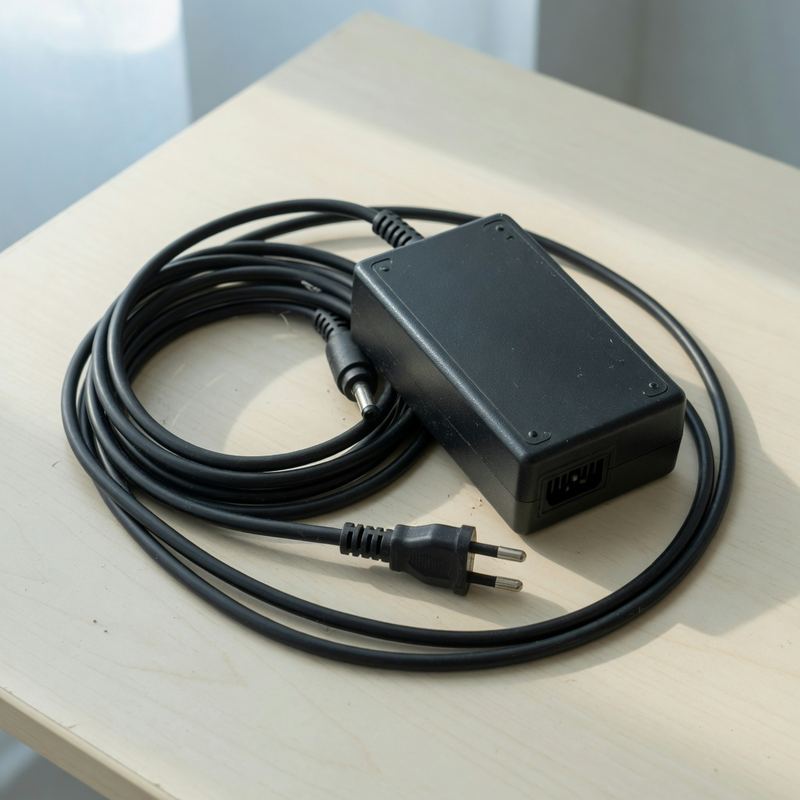
power adapter
/ˈpaʊər əˈdæptər/Examples
Bring the power adapter — the laptop dies without it.
A travel power adapter lets you charge abroad with foreign outlets.
Related
HDMI, USB-C, Ethernet — the ports you use daily but can never name.
Tap a photo to see more
Bring the power adapter — the laptop dies without it.
A travel power adapter lets you charge abroad with foreign outlets.
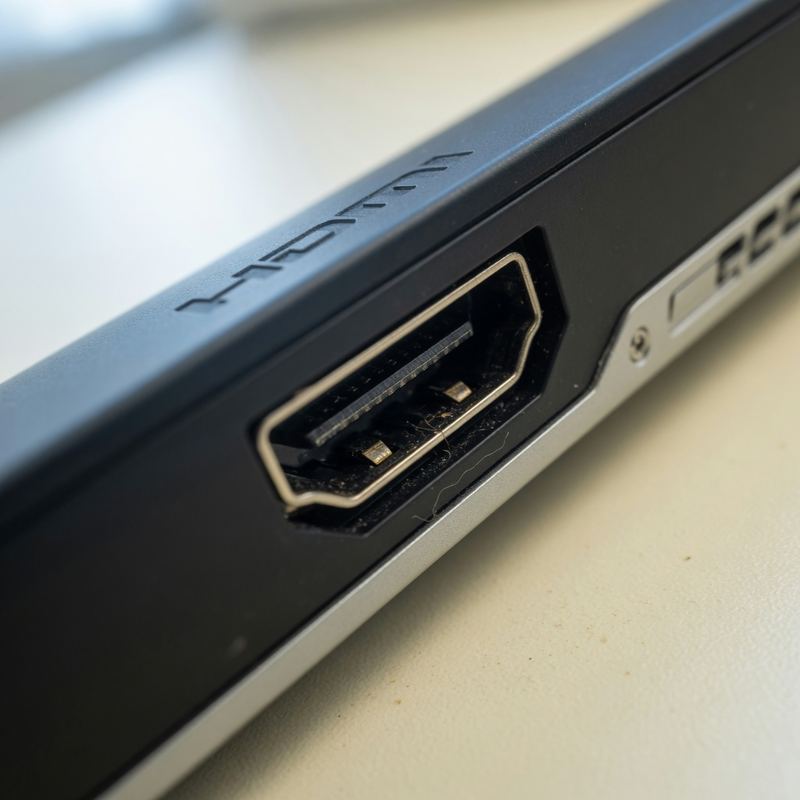
Plug the cable into the TV HDMI port to share your screen.
This monitor has two HDMI ports, so I can switch between two computers.
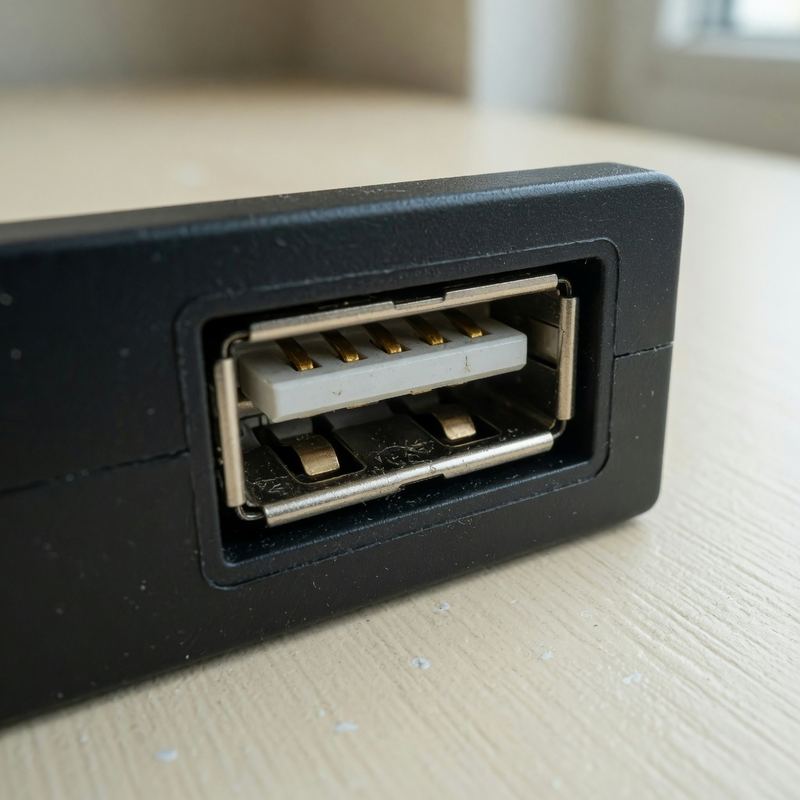
There is no free USB port left on this laptop.
You can charge your phone from the USB port on the back of the train seat.
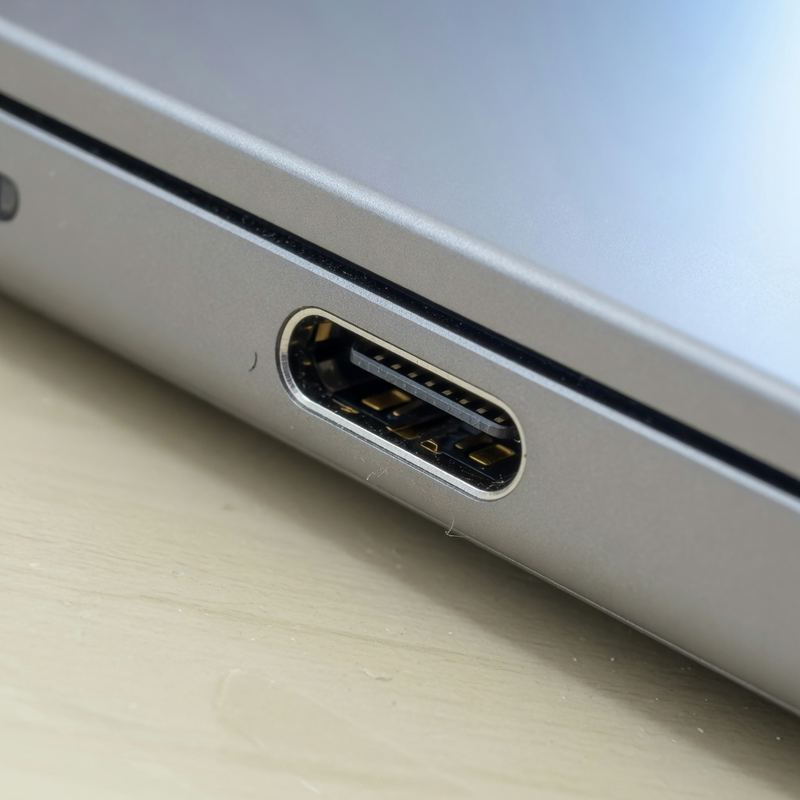
The new phone charges through a USB-C port.
One cable into the USB-C port handles charging, files, and an external screen.
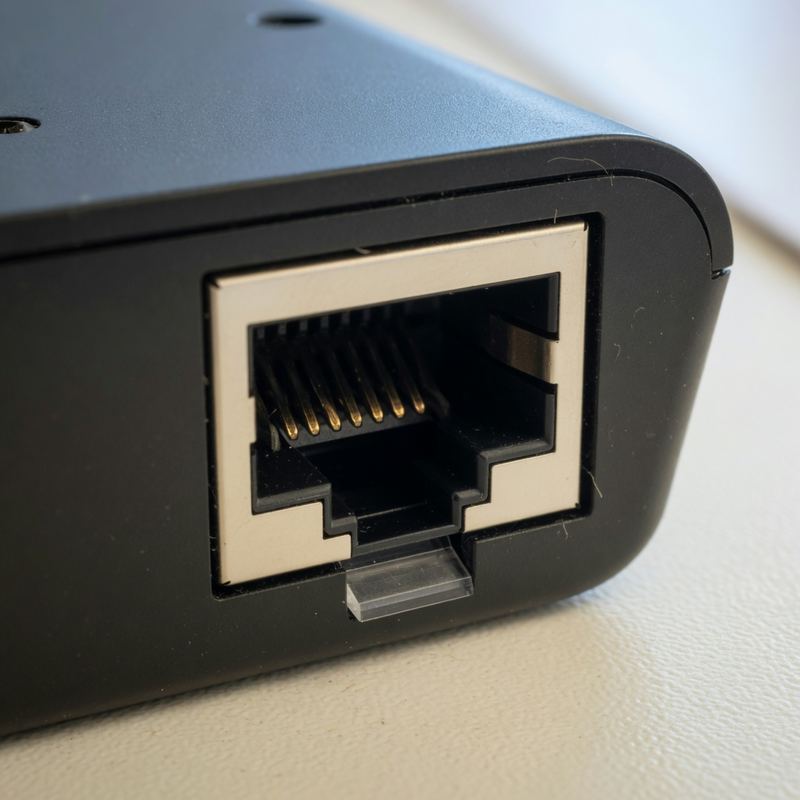
Wi-Fi is slow, so I plugged in an Ethernet cable.
For online gaming, a wired Ethernet connection is more stable than Wi-Fi.
Plug the computer into a surge protector during storms.
A good surge protector shields the TV and console from sudden voltage spikes.
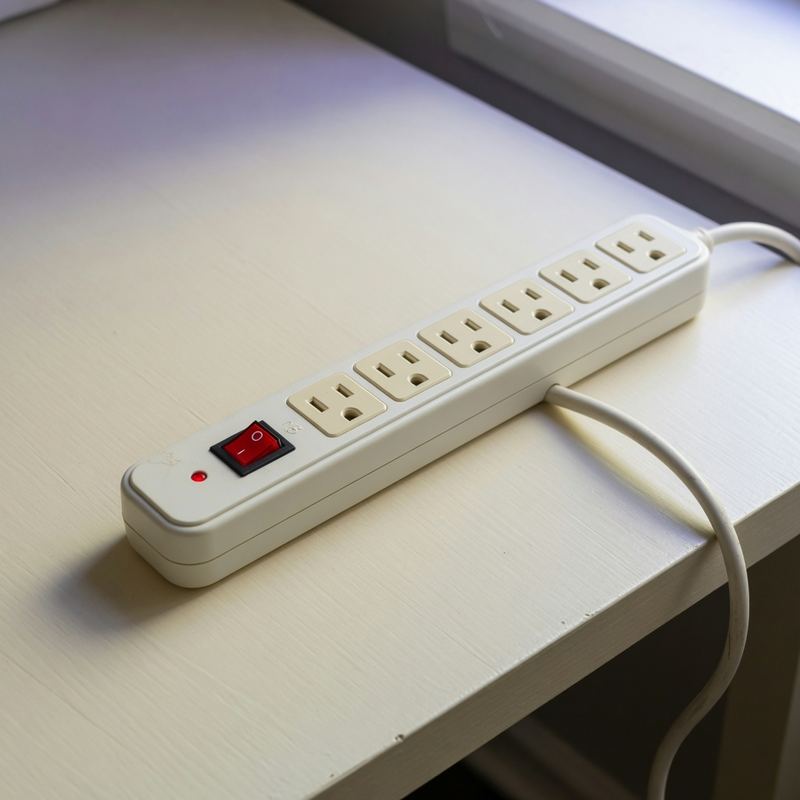
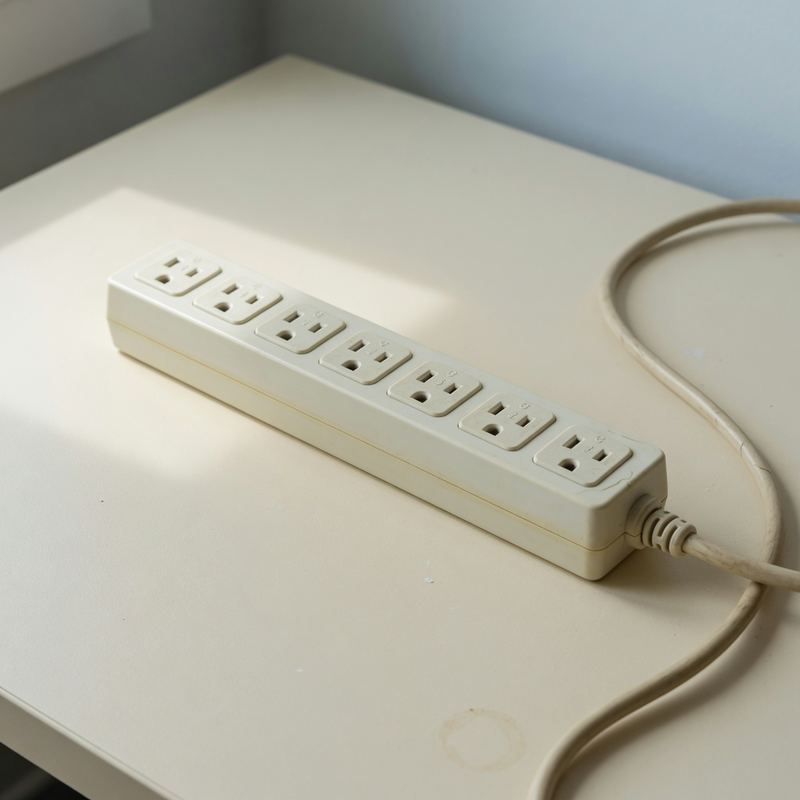
One power strip runs the lamp, the router, and the charger.
Do not overload the power strip by plugging in a heater and a kettle at once.
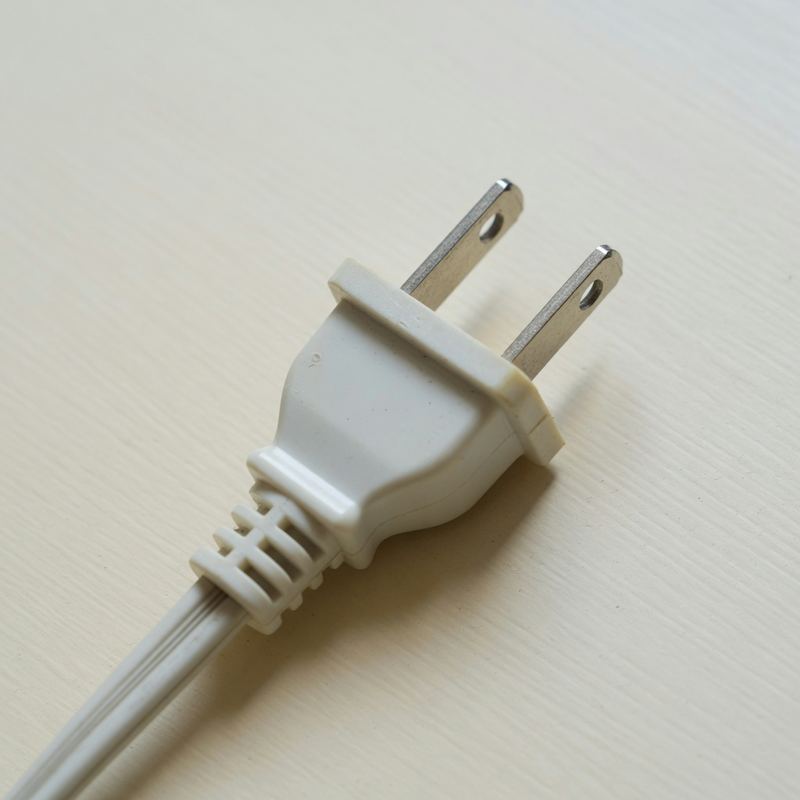
The plug is loose, so the cord falls out of the socket.
Outlets here have three holes, so a two-pin plug needs an adapter.